Setup/Teardown
Setup/Teardown steps run around every iteration of a case.
- Before Each Iteration are steps that run before the request is sent.
- After Each Iteration are steps that run after the iteration. A teardown step is labelled
Always runs.
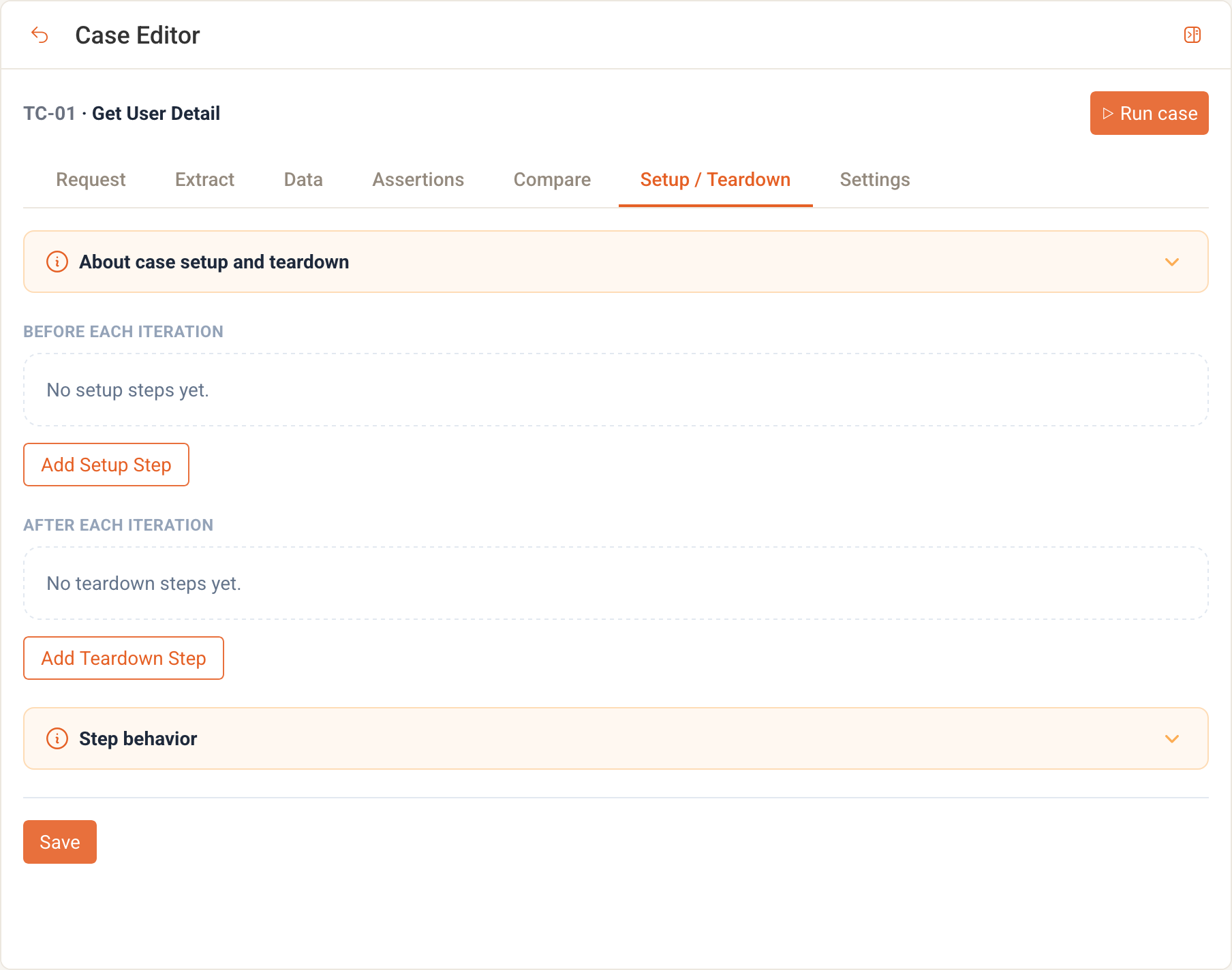
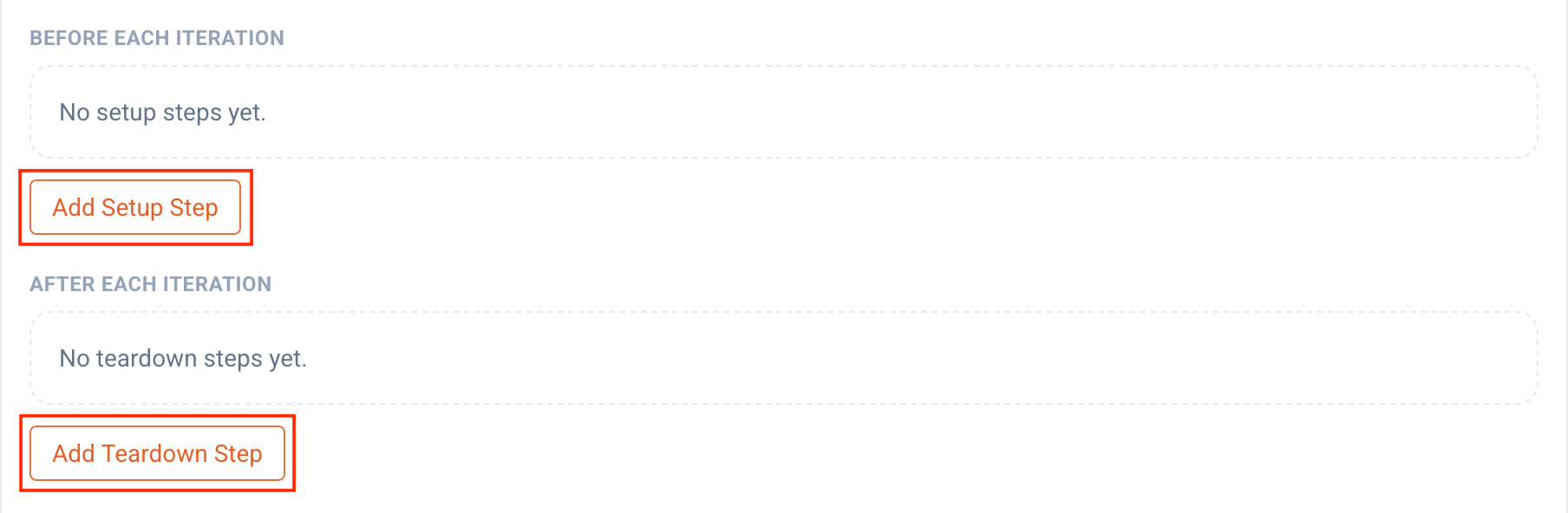
Steps are added with Add Setup Step and Add Teardown Step.
Step Type: Generate Value
A Generate Value step produces a value and stores it in a variable, for example to supply a unique identifier to the request of the case.
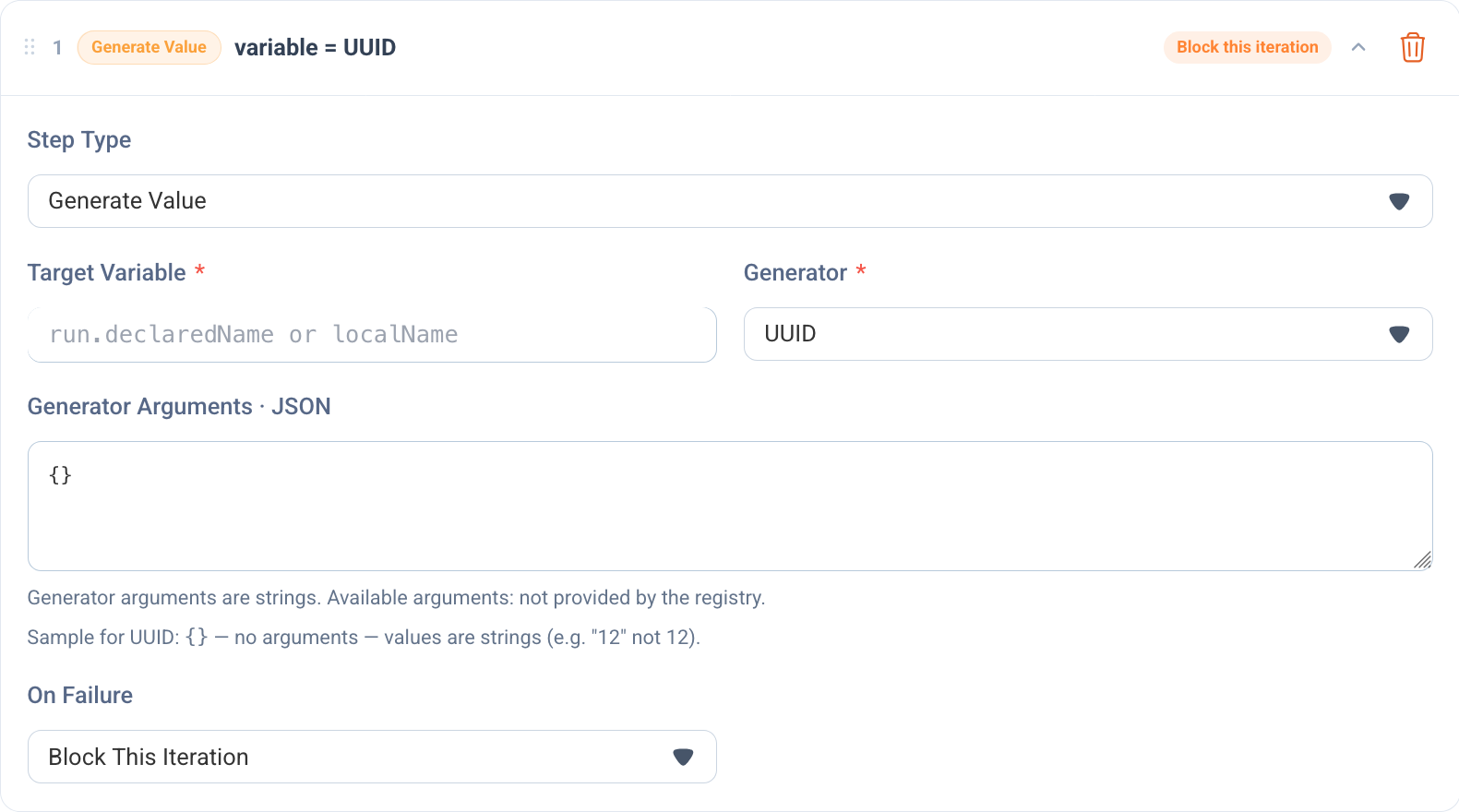
The following fields are available:
- Target Variable, the variable that receives the generated value. A run. variable, such as run.declaredName, must have been declared in Variables and is available to later cases. A bare name, such as localName, keeps the value for this case only.
- Generator, the generator that produces the value. For example,
UUID. - Generator Arguments · JSON, the arguments of the generator, expressed as a JSON object. All argument values must be strings. For a generator that takes no arguments, such as UUID, the value is . The accepted arguments are those provided by the generator registry. When the registry provides none, the field displays “Available arguments: not provided by the registry.”
- On Failure, the behaviour when the value cannot be generated. For example,
Block This Iteration.
Step Type: HTTP Request
An HTTP Request step sends an additional request before or after the request of the case, for example to prepare data in setup or to remove it in teardown.
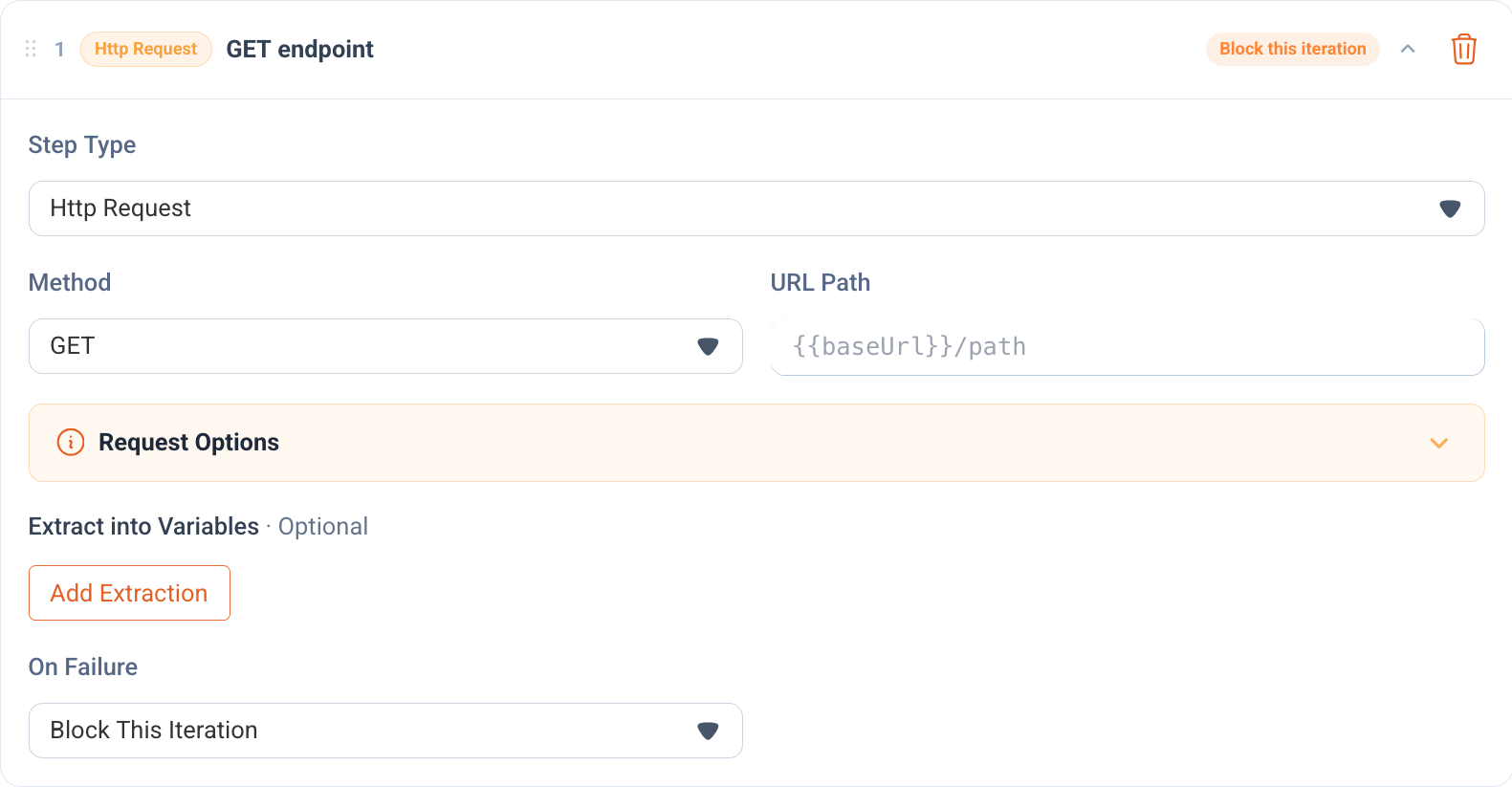
The following fields are available:
- Method, the HTTP method of the request:
GET,POST,PUT,PATCH, orDELETE. - URL Path, the path of the endpoint under test, relative to the base URL of the selected environment.
Starts with a
/, example/users. - Request Options, a collapsible panel containing further options for the request.
- Extract into Variables, reads values from the response of the step and stores them in variables. Select Add Extraction to add an extraction. The fields correspond to those described in Extract.
- On Failure, the behaviour when the step fails.
Add Extraction
An HTTP Request step can read values from its own response and store them in variables. Extractions are added with Add Extraction and removed with the trashcan icon at the end of each row.
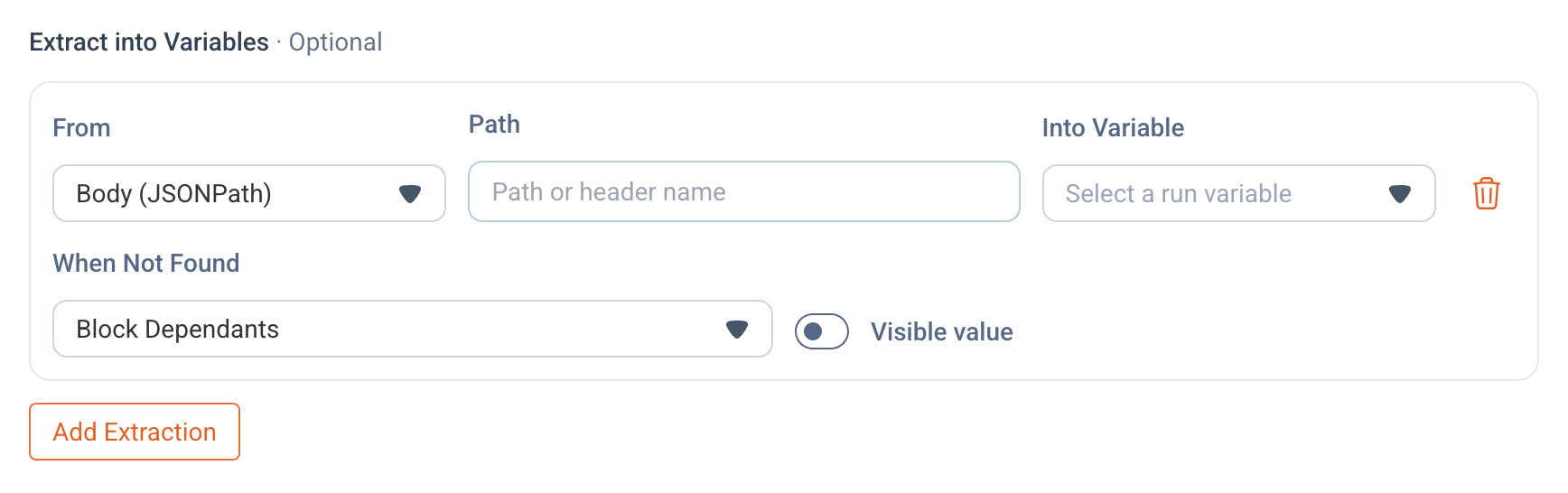
Each extraction contains the following fields:
- From, the part of the response from which the value is read. A header may also be read.
- Path, the expression or header name when a header is read.
- Into Variable, the run variable that receives the value. It is selected from a list of declared run variables. A run variable must therefore be declared beforehand in Variables.
- When Not Found, the behaviour when the value cannot be located in the response. Block Dependants blocks the later cases that depend on the variable.
- Visible value, a toggle that controls whether the extracted value is displayed in the results instead of being hidden. It is disabled by default.
